Change, resubmit or withdraw a request
Fix a rejected request and send it again, change a request that's still waiting, or take it back.
A rejected request isn't the end. You can fix it and send it again, and you can change or take back a request that's still waiting.
Fix a rejected request and send it again#
Open My requests. Rejected requests are at the top under Rejected, needs your attention, with the reason in red (or "No reason given" if the admin didn't write one).
Click Edit & resubmit.
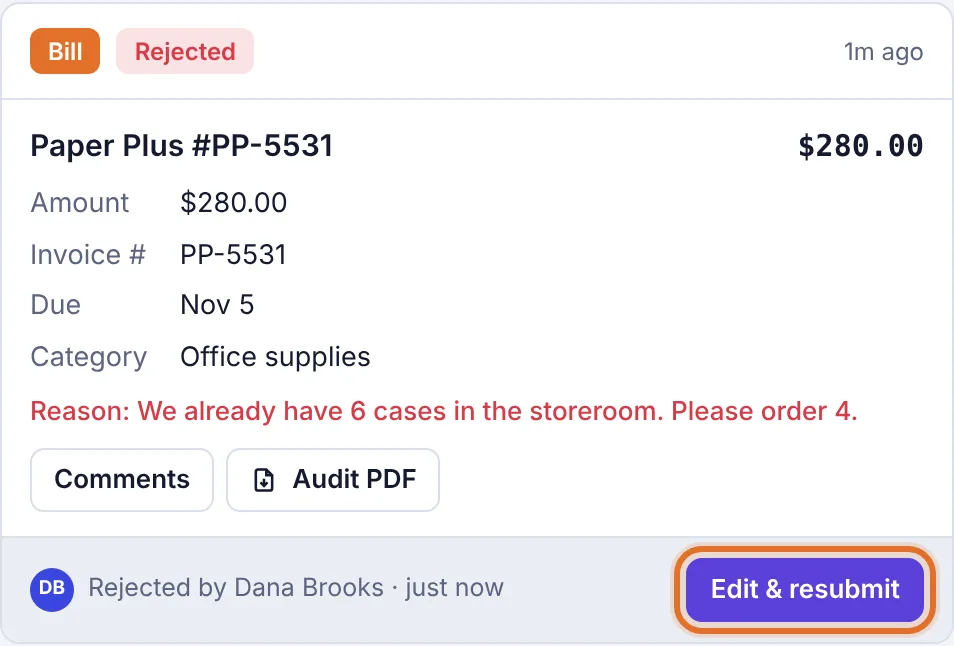
A rejected request with the reason and the Edit & resubmit button Change what the approver asked for. You can also add more files and change Who should approve?. If the request went through several approvers in turn, the form starts with the same people in the same order: the first under Who should approve? and the rest under Then. Change any of them, click × to drop one, or click + Then another approver to add one.
Click Resubmit.
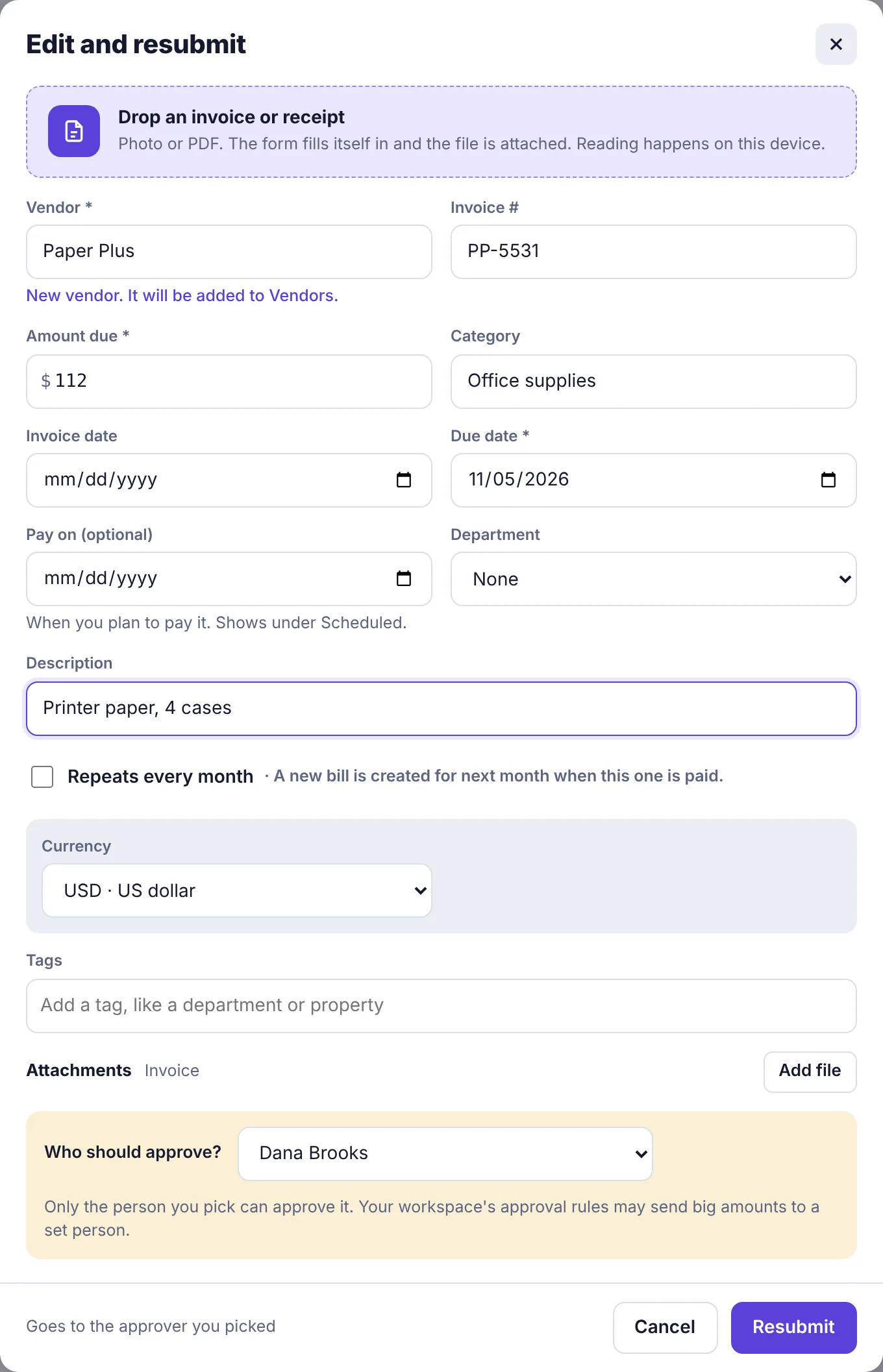
The Edit and resubmit form
You'll see Sent again to Dana Brooks. (or whoever it went to). The request moves back to Waiting, and the approver gets a notification that you updated it. On their side the card shows Resubmitted.
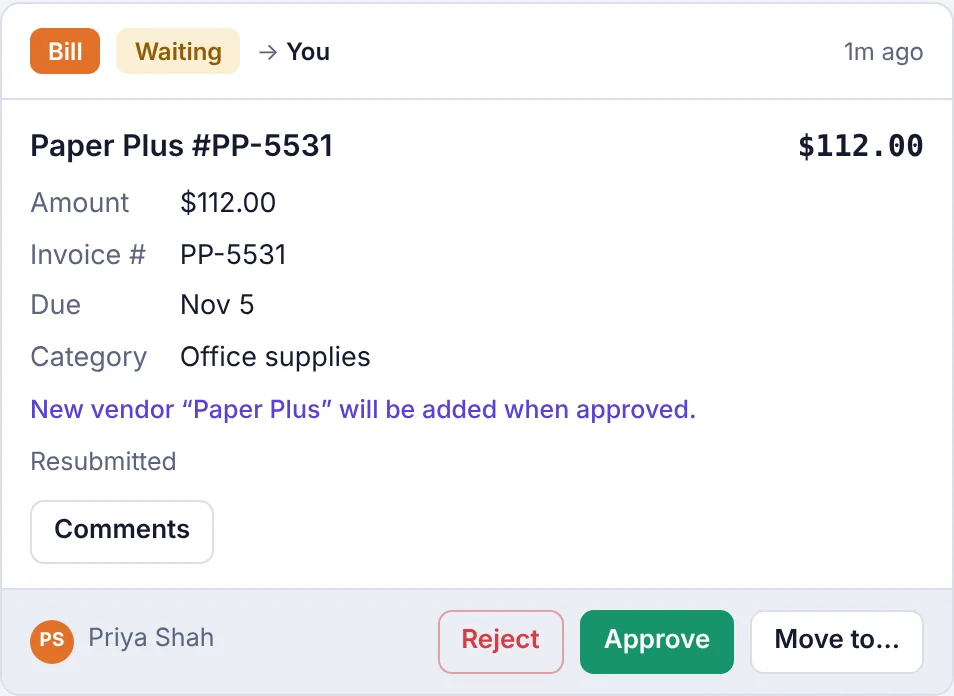
Change a request that's still waiting#
Open My requests and find the request under Waiting.
Click Edit, make your changes and click Resubmit.
The approver is told it changed. If they had the page open, Plainstamp makes them refresh and look at your new version before they can approve it, so nobody approves something they haven't seen. If the request needed several approvals and some were already given, the approvals start again from the first one.
Withdraw a request#
If you sent something by mistake, or it's no longer needed:
Open My requests and find the request under Waiting.
Click Withdraw.
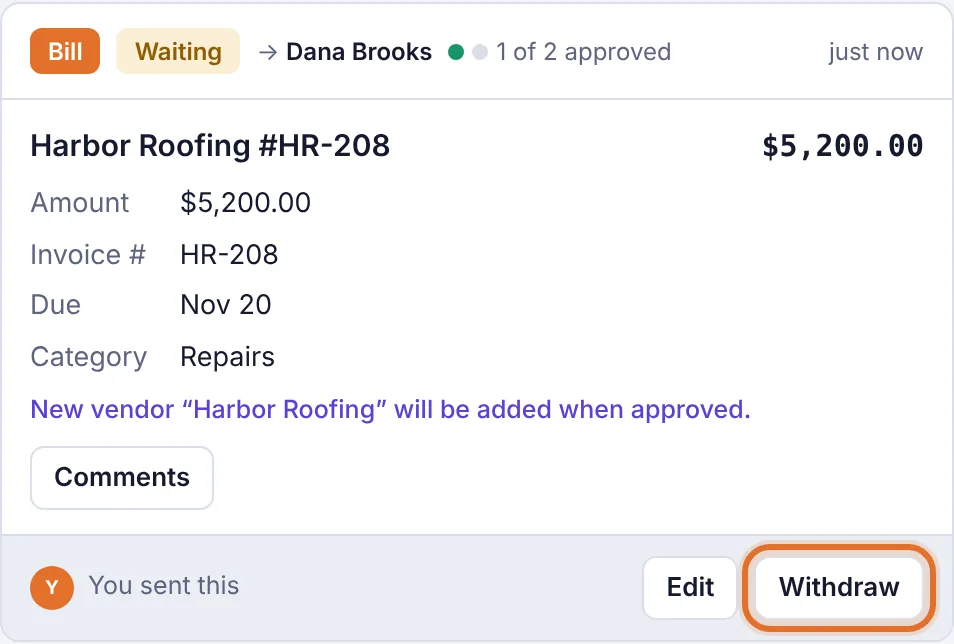
The Withdraw button on a waiting request
The request is removed and the activity log notes that you withdrew it. Nothing was added to the board, so there's nothing else to undo. You can withdraw a request even after one approver has approved it, as long as the last approval hasn't been given.