How Plainstamp works
The one-page idea behind Plainstamp: people send things in, the right person approves them, and everything stays on record.
Plainstamp is a shared board for your office. Tasks, bills, receipts, payments and vendors all live in one place, and nothing important happens without the right person signing off. Every step is written down, so you can always see who did what and when.
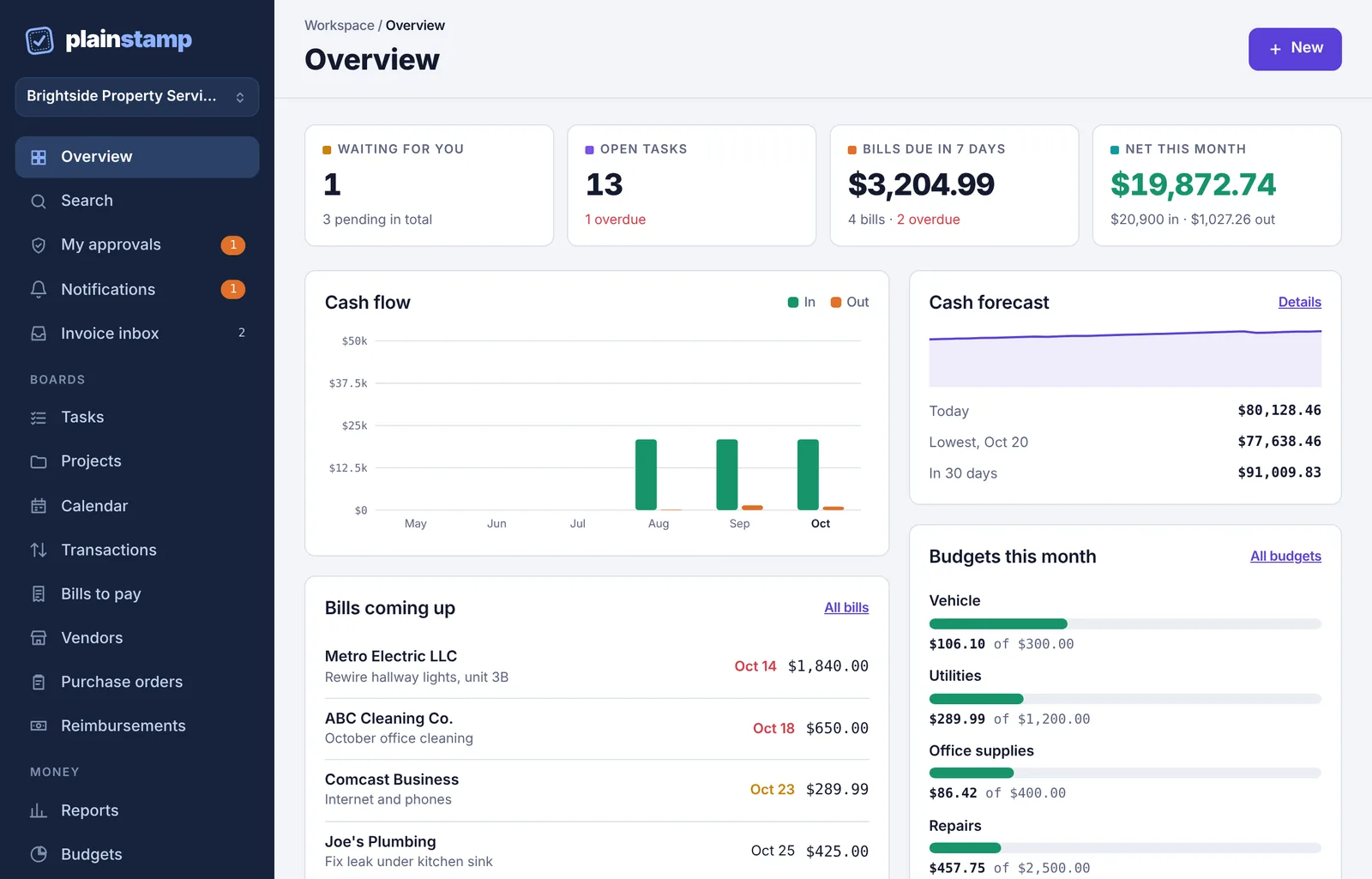
The three steps#
Almost everything in Plainstamp follows the same path.
1. Someone sends it in#
Anyone who can add things clicks the purple New button and picks Task, Transaction, Bill to pay, Vendor or Mileage. They can drop in a photo or PDF of an invoice or receipt, and Plainstamp fills in the vendor, amount and dates for them.
Owners and admins add things straight to the board. They can tick Needs approval if they want a second pair of eyes.
Employees send what they add to an admin for approval. The button says Submit for approval, and they choose Who should approve? (or leave it on Any admin).
Workers can only add tasks, and those go for approval too.
2. The right person approves it#
The request lands in My approvals for the admin it was sent to, with an email and (if they turned it on) a phone notification. They open it, check it and click approve or reject. If they reject it, the person who sent it gets the reason and can fix it and send it again.
Approval rules can send big amounts to a set person, or ask for two approvals. Nobody can approve their own request.
3. It's on record#
Once approved, the item appears on its board: Tasks, Transactions, Bills to pay or Vendors. When the work is done or the bill is paid, it moves to the Completed page. Every request, approval, payment and edit is written to the Activity log, which nobody can edit or erase.
Who does what#
Each person has a role in the workspace. In short:
| Role | What they do |
|---|---|
| Owner | Runs the workspace and its billing. Can do everything an admin can. |
| Admin | Approves requests, records payments and edits money records. |
| Employee | Adds tasks, uploads receipts and invoices, and asks for approvals. |
| Worker | Sees only the tasks given to them and the ones they add. |
| Accountant | Your outside bookkeeper. Sees the books, reports and files; can comment and export. |
| View only | Can look at the boards but not change anything. |
There's more on each role in Invite your team and Roles: who can do what.
Workspaces#
Everything belongs to a workspace: your office's private board, with its own people, boards, books and plan. Most people only ever need one. If you run two businesses, or keep the books for several clients, you can belong to several workspaces and switch between them. See Switch between workspaces or add another.
Where to go next#
New here and setting things up? Create your account, then Set up your workspace.
Joining a team that already uses Plainstamp? Open the invite link you were sent, then read the quick start for your role: owner or admin, employee, worker or accountant.