Start here if you're an employee
How to send in receipts, bills and tasks, follow your requests and get paid back for what you spent.
As an employee you send things in: receipts, bills, new vendors and tasks. An admin approves them, and once they do, they go on the board. You can see the boards, but money reports are for admins and your accountant.
Send in a receipt or bill#
Click New at the top right.
Pick Transaction for something already paid (a receipt), or Bill to pay for an invoice that still needs paying.
Drop the photo or PDF onto the form, or on a phone tap Take a photo of it. Plainstamp fills in the vendor, amount and date. Check them.
Under Who should approve?, pick an admin, or leave it on Any admin so whoever gets to it first can approve.
Click Submit for approval.
If your admin gave you a spending limit, small expenses go straight onto the board instead. The form says "Within your spending allowance ($X left this month)" and the button says Add to Transactions or Add to Bills. Only money going out uses up your allowance; money coming in still goes for approval. When you pay a bill, the button says Submit payment: the payment is recorded right away if it fits your allowance, otherwise it goes to the person you picked.
Paid out of your own pocket?#
Add it as a Transaction and tick I paid for this with my own money. Pay me back., or use Mileage for driving. These go to the Reimbursements page and always need approval. See Get paid back for expenses and mileage.
Add a task#
Click New, pick Task, fill in what needs doing and click Submit for approval. Once approved it appears on the Tasks board.
Follow your requests#
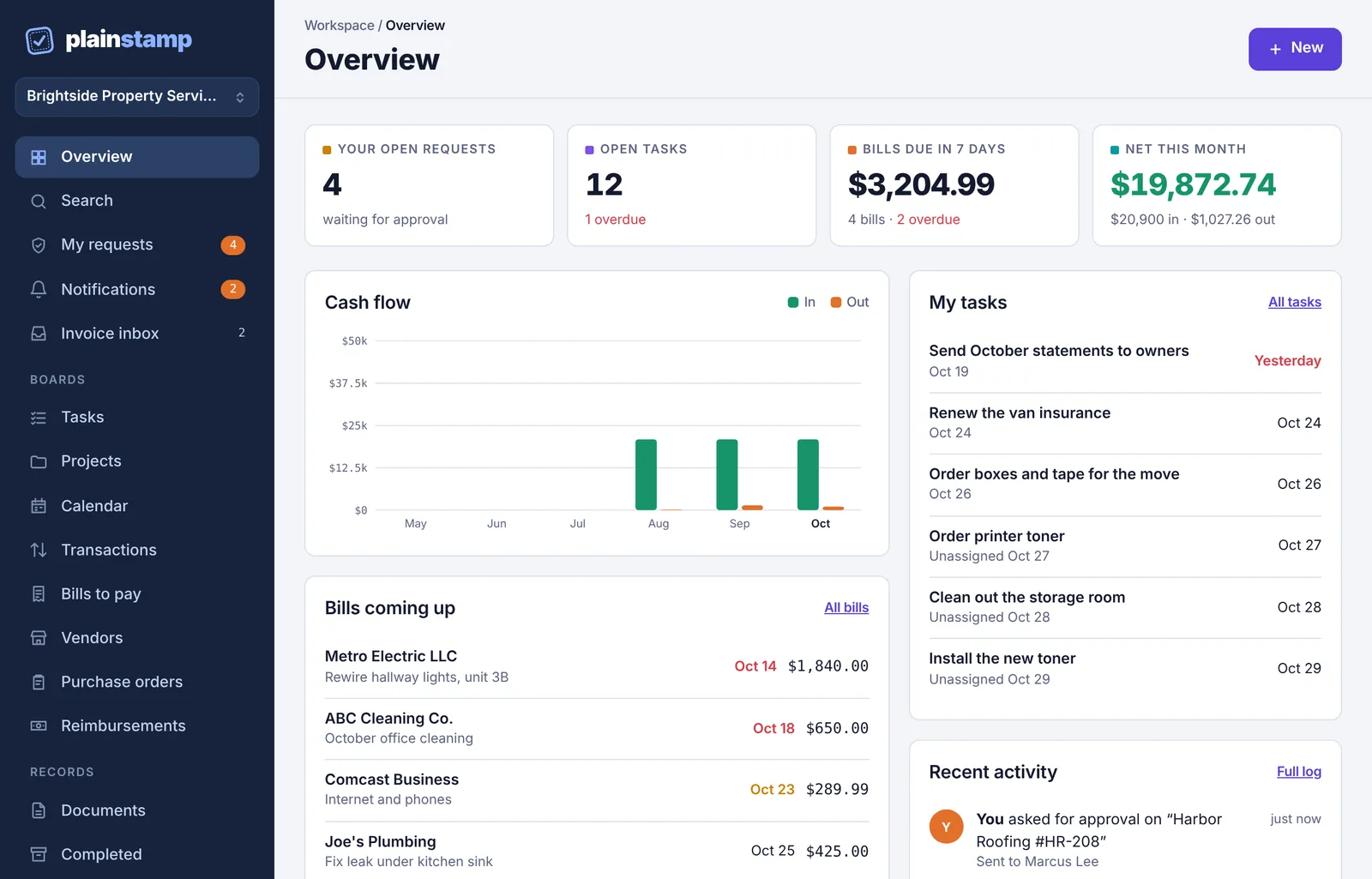
The Your open requests card on the Overview and the number next to My requests show how many are still waiting.
On My requests you can Withdraw something you sent by mistake.
If an admin rejects something, you'll get a notification with their reason. Open it in My requests, click Edit & resubmit, fix it and send it again.
You'll get an email when something you sent is approved or rejected. See The Notifications page.
What you can't do#
Approve requests (only owners and admins can).
See Reports, Budgets, Cash forecast or the Bank feed. These pages aren't in your menu.
Change settings or invite people.
If you need something you can't see, ask an admin. See I can't see a page or button.