Sign in, sign out and reset your password
How to sign in with email, Google or Microsoft, what the two-step code is, how to sign out and how to choose a new password if you forgot yours.
Sign in#
Go to the Plainstamp sign-in page.
Type your Work email and Password, then click Sign in. Or click Sign in with Google or Sign in with Microsoft if that's how you signed up.
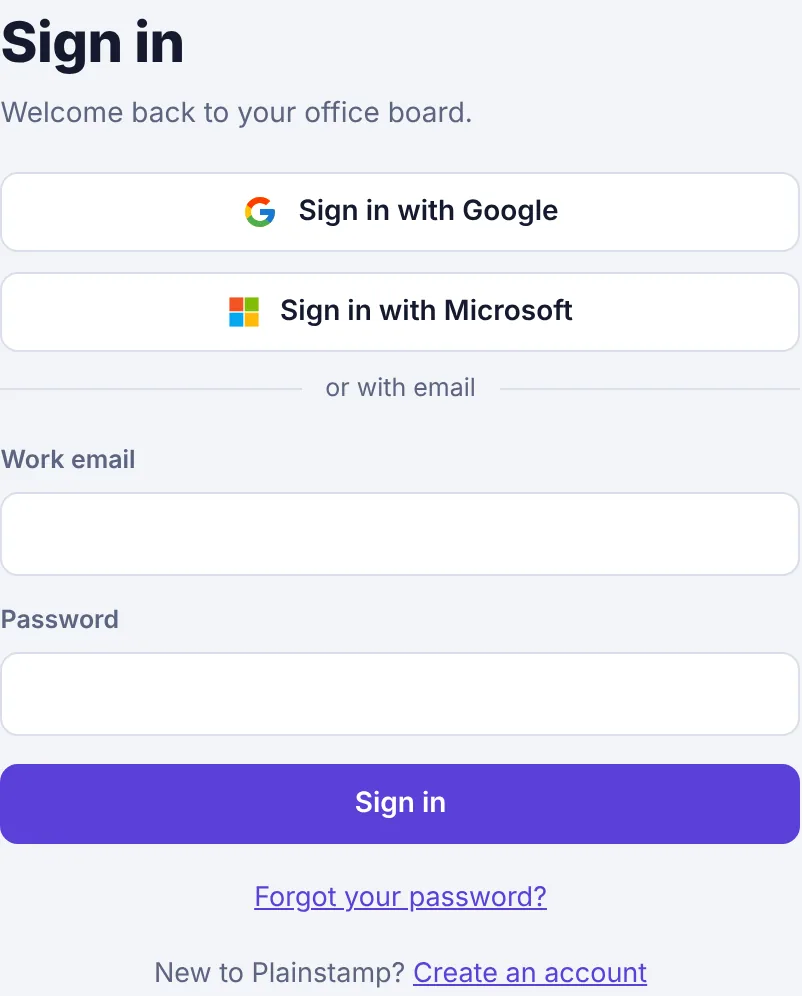
The Sign in page with Google and Microsoft buttons, the email and password fields and the Forgot your password link. If you turned on two-step sign-in (or your workspace requires it), Plainstamp asks for the 6-digit code from your authenticator app. Type the code showing right now and click Continue.
You land in the workspace you used last. If you belong to several and Plainstamp doesn't know which one you want, it shows Choose a workspace; click the one you want.
If you see "That email and password don't match. Try again or reset your password.", check for typos (and Caps Lock), or reset your password below. More help: I can't sign in.
Forgot your password?#
On the sign-in page, click Forgot your password?
Type the Work email you signed up with and click Send reset link.
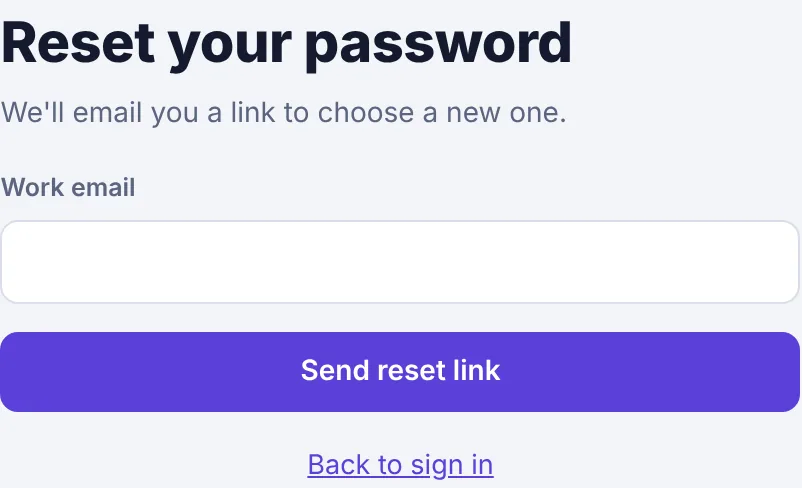
The Reset your password page with the work email field and the Send reset link button. The page says "If … has an account, a reset link is on its way." It says this whatever email you type, so nobody can use the form to find out who has an account.
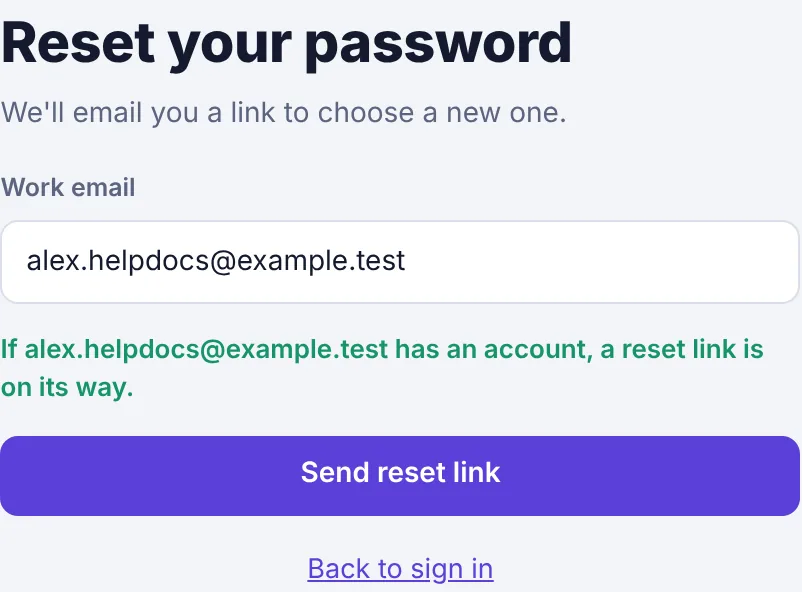
The confirmation message after clicking Send reset link. Open the email titled Reset your Plainstamp password and click Choose a new password.
On Choose a new password, type a New password (at least 8 characters) and click Save password. You're signed in straight away.
If you signed up with Google or Microsoft and never set a password, just use the Google or Microsoft button. You can add a password later in Settings › Sign-in & security.
Change your password while signed in#
Click Settings at the bottom of the menu, then the Sign-in & security tab.
Under Change your password, type your Current password, then the New password twice.
Click Change password.
Sign out#
Click Sign out at the bottom of the menu, under your name. On a phone, it's at the right end of the bar across the top.
Lost a phone or used a shared computer? In Settings › Sign-in & security, click Sign out of all devices, then Yes, sign out everywhere. You'll need your password (and two-step code) to get back in.