Match bank lines in the bank feed
Review the transactions your bank sends in, match each one to what's already in Plainstamp, add it as a new transaction, or ignore it.
The Bank feed shows every payment in and out of your connected bank accounts. Each one (a "bank line") should be matched to something in Plainstamp, so you know every payment is recorded and accounted for. Plainstamp matches many of them automatically; the rest wait for you under To review.
Before you start#
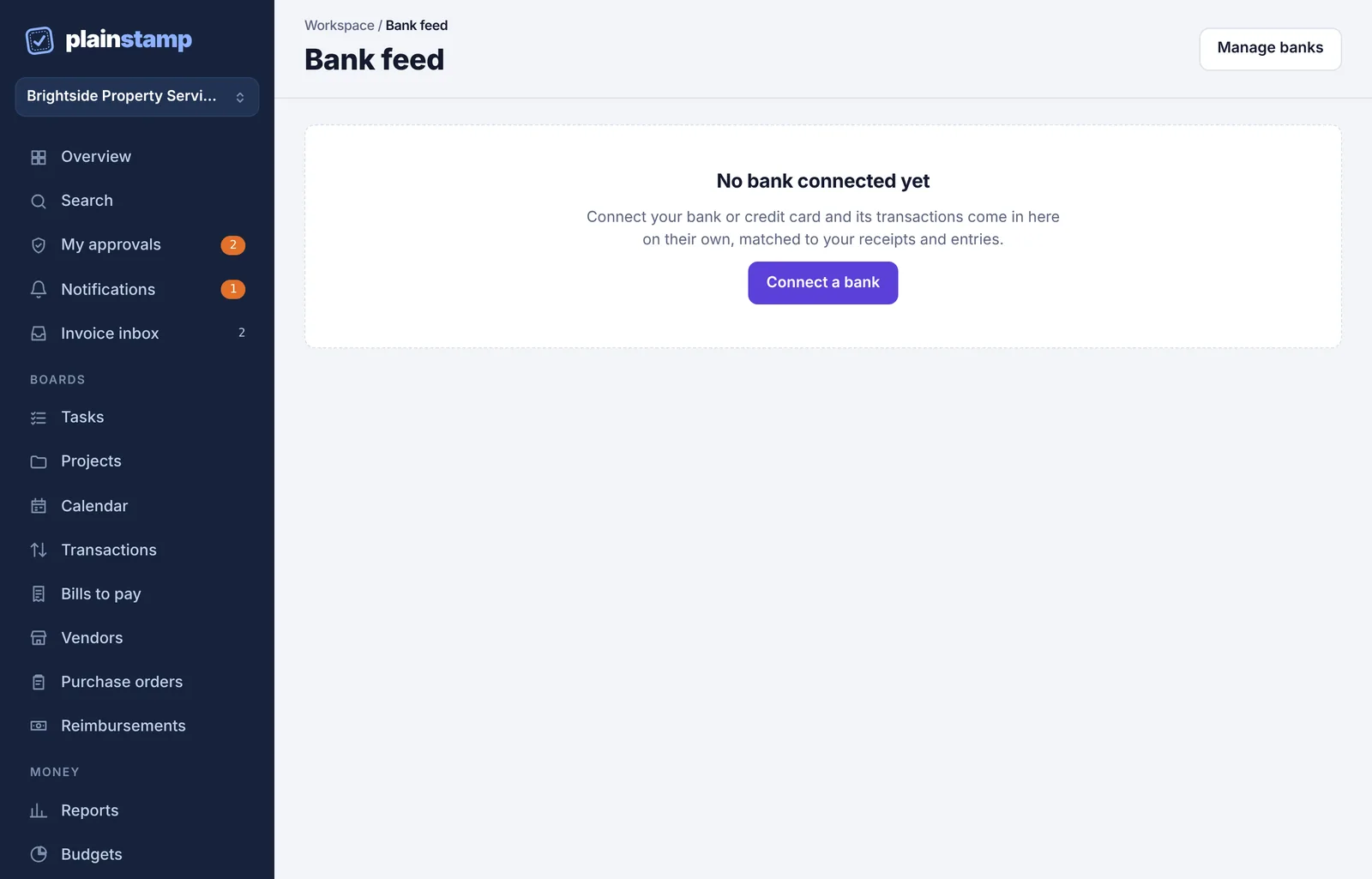
Connect a bank first. Until you do, the page says No bank connected yet with a Connect a bank button. See Connect your bank account.
Find your way around the page#
In the menu, under Money, click Bank feed.
At the top, each connected account shows its balance (and the available balance, if different) and when it was last updated.
Use the tabs to switch between lines:
To review: new lines waiting for you.
Matched: linked to a transaction that was already in Plainstamp.
Added: turned into a new transaction (by you, or automatically from a receipt photo or paid bill).
Ignored: lines you chose to skip.
Use Search bank lines to find a line by name or amount.
Manage banks at the top right takes you to the Connections page.
Match a line to something already in Plainstamp#
For each line under To review, Plainstamp looks for things with the same amount, going the same direction (in or out), within 7 days of the bank date. Up to three suggestions appear as buttons starting with Match:
a transaction already on the Transactions board,
a receipt photo waiting in your inbox,
a paid bill that doesn't have a payment transaction yet.
Click the right suggestion.
Matching a transaction links the two and marks the transaction reconciled. You'll see "Matched and reconciled."
Matching a receipt photo or a paid bill creates the transaction for you (with the photo attached, or linked to the bill) and reconciles it. You'll see "Added to Transactions and reconciled."
Add a line as a new transaction#
If nothing matches (for example, a bank fee or a card purchase nobody recorded):
Click Add as transaction.
Check Who you paid (or Who paid you, for money in). Plainstamp fills in its best guess from the bank's description, or from a vendor whose name appears in it.
Pick a Category and add a Description if you like.
Click Add transaction.
The date and amount come from the bank, and the new transaction is added already reconciled and linked to the bank line.
Ignore a line#
Click Ignore for lines that shouldn't be recorded, such as a transfer between your own accounts. You'll see "Ignored. You'll find it under Ignored."
Undo#
On the Matched or Added tab, click Undo match to send a line back to To review. If the line had created a new transaction, that transaction stays in Transactions; delete it there if it isn't needed.
On the Ignored tab, click Review again.
Automatic matching#
Each time new lines come in, Plainstamp tries to match them by itself, in this order:
a transaction already in Plainstamp,
a receipt photo in the inbox (it creates the transaction and attaches the photo),
a paid bill with no payment transaction (it creates the payment transaction).
It only does this when it's sure: the same amount and direction within 4 days, and either the only candidate or clearly the best one (for example, the payee's name matches). Anything unsure is left for you. Automatically matched lines say Matched automatically to under the Matched tab, so you can check them and click Undo match if one is wrong.
Common questions#
A line I expected isn't here. Pending card charges wait until they post at the bank. You can also click Get new transactions on the Connections page.
Why doesn't my transaction show as a suggestion? The amount must match to the cent, the direction must be the same, and the dates must be within 7 days. A transaction already matched to another bank line isn't suggested again.
Does matching change anything at my bank? No. Plainstamp only reads from your bank.