Fix a connection that needs attention
What the red messages on the Connections page mean for QuickBooks, Xero and your bank, and how to fix each one.
When a connection runs into trouble, its card on Connections shows a red message, and sometimes a Needs attention label instead of Connected. Most problems are fixed by reconnecting or by picking an account.
First, open the card#
In the menu, under Workspace, click Connections.
Find the card with the red message (QuickBooks Online, Xero or Bank accounts).
For QuickBooks or Xero, also look at Recent activity at the bottom of the card. Failed entries have a red dot and the reason next to them.
QuickBooks and Xero messages#
| Message | What it means | What to do |
|---|---|---|
| Needs attention with "The connection has expired or was removed. Connect it again." | Your sign-in to QuickBooks or Xero expired, or someone removed the app on their side. | Click Reconnect, sign in and allow the connection again. Plainstamp remembers what was already sent. |
| "Choose the bank account and the default expense account first." | The accounts were never picked. | Click Accounts & settings, pick both, and click Save settings. |
| "Choose a default expense account on the Connections page." or "Choose an income account on the Connections page." | An entry needs an account that isn't set. | Pick it under Accounts & settings. |
| "(number) items couldn't be sent. See the list below." | Some entries were refused. | Read each red line under Recent activity. Fix the entry (or the setting) and click Sync now. |
| "The service took too long to answer." or "Couldn't reach the service." | QuickBooks or Xero didn't answer. | Wait a minute and click Sync now. The regular sync also tries again. |
| "Your plan doesn't include this connection anymore." | The workspace moved to a plan without it. | Move to the Small plan or up to keep sending. |
When an entry fails, Plainstamp doesn't keep retrying the same broken change on every sync. Once you fix it (for example, correct a vendor name or pick an account), click Sync now.
Bank messages#
| Message | What it means | What to do |
|---|---|---|
| Needs attention with "The bank needs you to sign in again. Use Reconnect on the Connections page." | Your bank wants you to sign in again, often after a password change, or because its permission is about to run out. | Click Reconnect in the bank's section and sign in with Plaid. |
| "The bank connection stopped working. Try Reconnect on the Connections page." | Something went wrong at the bank's end. | Click Reconnect. If it keeps happening, remove the bank and connect it again. |
| "Couldn't reach the bank. See the message on this card." | Get new transactions didn't work this time. | Try again in a few minutes. |
| "Couldn't open the bank sign-in. Check your connection and try again." | Plaid's window couldn't load. | Check your internet connection, turn off any pop-up or script blocker for Plainstamp, and try again. |
See Connect your bank account for the full steps.
Messages after connecting#
| Message | What to do |
|---|---|
| "The connection was cancelled. Nothing was changed." | You (or the app) cancelled at QuickBooks or Xero. Click Connect again when ready. |
| "We couldn't tell which company to connect. Try again." | Try again and pick a company (or organisation) when asked. |
| "Only admins can connect apps." | Ask an owner or admin to connect it. |
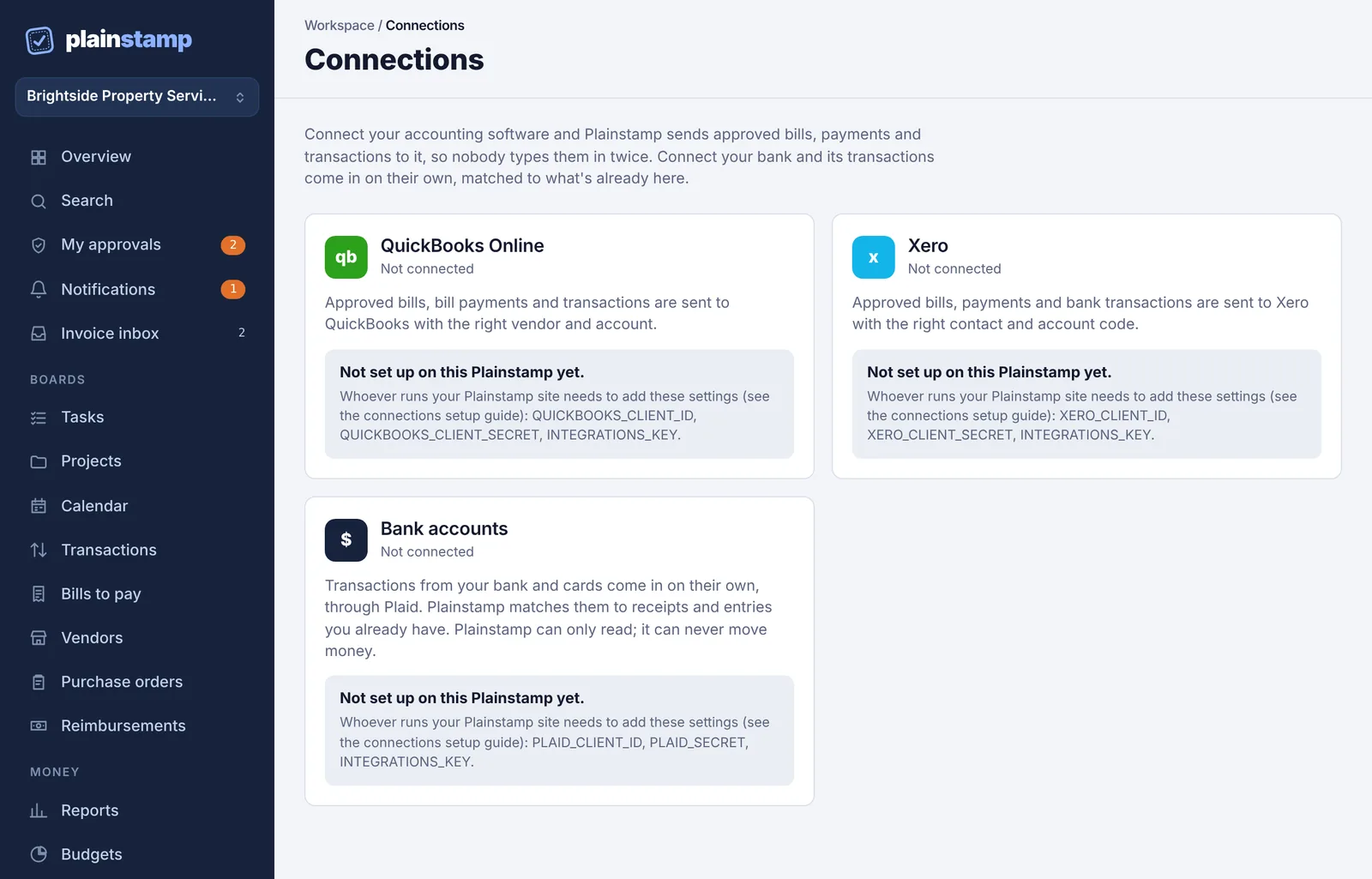
| "That connection isn't set up on this Plainstamp yet." or a card saying Not set up on this Plainstamp yet. | The connection hasn't been switched on for the Plainstamp site you use. Contact whoever runs it (or Plainstamp support). |
| "The connection didn't go through. Try again in a minute." | Try again. If it keeps failing, contact support. |
Still stuck?#
Disconnect and connect again. For QuickBooks and Xero, reconnecting the same company won't create duplicates. For a bank, lines already in the bank feed stay.