Connect QuickBooks or Xero
Send approved bills, bill payments and transactions to QuickBooks Online or Xero automatically, so nobody types them in twice.
Connect QuickBooks Online or Xero and Plainstamp sends your bills, bill payments and transactions over to your books, with the right vendor (or contact) and account. Your bookkeeper no longer has to type them in.
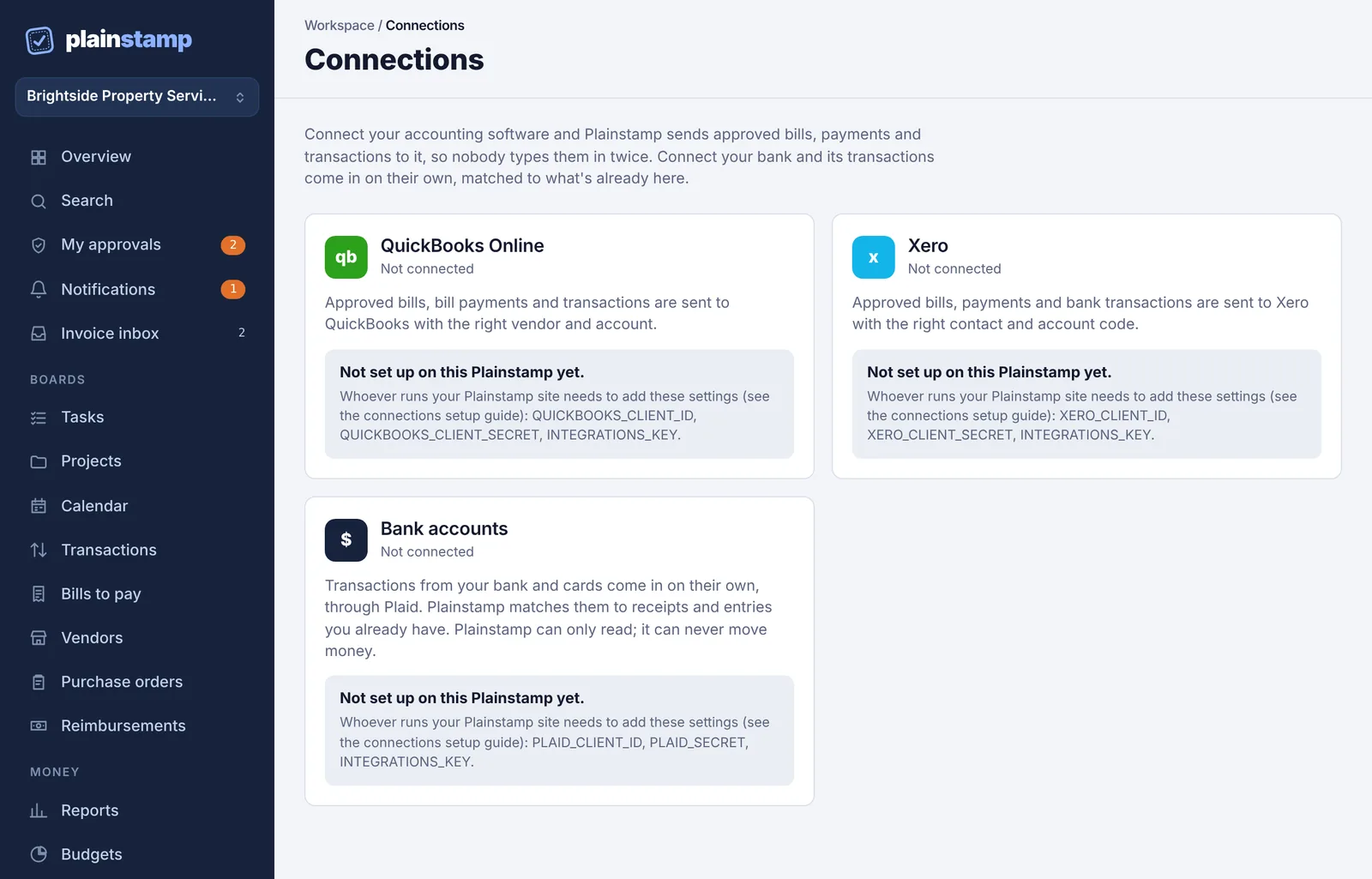
Connect#
In the menu, under Workspace, click Connections.
On the QuickBooks Online or Xero card, click Connect QuickBooks Online (or Connect Xero).
You're taken to QuickBooks or Xero. Sign in, pick the company (or organisation) to connect, and allow the connection.
You're brought back to Connections with the message "(QuickBooks Online or Xero) is connected. Choose your accounts below, then entries start going over automatically."
If you click cancel at QuickBooks or Xero, you'll see "The connection was cancelled. Nothing was changed."
Each workspace connects to one company. Connecting a different company replaces the old connection.
Choose your accounts#
Nothing is sent until you pick where entries go.
On the card, click Accounts & settings. Plainstamp loads your chart of accounts.
Pick the Bank account payments come from (required).
Pick the Default expense account (required). Spending goes here unless a category says otherwise.
Pick the Income account (for money in) if you record money coming in.
Check Send entries added on or after. It starts as the day you connected, so older entries (which are probably already in your books) aren't sent again. Change it if you want to send earlier ones.
Under Where each category goes, choose an account for any category that should go somewhere other than the default. Leave a category on Default to use the default expense (or income) account.
Click Save settings. You'll see "Saved. New and changed entries will be sent on the next sync."
Until steps 2 and 3 are done, the card shows "Pick the bank account and the default expense account so Plainstamp knows where entries go."
What gets sent#
| In Plainstamp | Goes to QuickBooks or Xero as |
|---|---|
| A bill | A bill, with the vendor, invoice number, dates, amount and account |
| A bill being paid | A bill payment from your chosen bank account, with the check number or reference |
| A money-out transaction | An expense from your chosen bank account |
| A money-in transaction | A deposit into your chosen bank account |
Vendors are matched by name in your books; if there's no match, a new vendor (or contact) is created.
A transaction that records the payment of a bill already sent goes over as that bill's payment, not as a second expense.
If you change a bill or transaction after it was sent, the change is sent too. A paid bill isn't changed again after its payment goes over.
Sample entries (the example data you can start a workspace with) are never sent.
Sending is one way. Nothing comes back from QuickBooks or Xero into Plainstamp.
When it sends#
Right away: a few seconds after a bill, payment or transaction is saved or changed.
Every few hours: a regular sync picks up anything that didn't go the first time.
Whenever you want: click Sync now on the card. You'll see "Sent (number) entries." or "Everything is already up to date."
Each sync sends up to 40 entries, so a big backlog goes over in several rounds.
Check what was sent#
Under Recent activity on the card you'll see the last few entries, each with a green dot (sent or updated) or a red dot and the reason it failed, and how long ago. Last sync shows when Plainstamp last talked to your books.
If something couldn't be sent, see Fix a connection that needs attention.
Disconnect#
On the card, click Disconnect.
Plainstamp asks "Stop sending to (QuickBooks Online or Xero)?" Click Disconnect to confirm.
Nothing already in your books is removed. If you later reconnect the same company, Plainstamp remembers what it already sent and won't send duplicates.
Common questions#
I see an upgrade note instead of the cards. QuickBooks and Xero sync need the Small plan and up.
I see "Not set up on this Plainstamp yet." The connection hasn't been switched on for the Plainstamp site you use. Contact whoever runs it (or Plainstamp support).
Can I connect both QuickBooks and Xero? Each has its own card, but most offices keep one set of books. Connecting both would send every entry to both.