Why can't I see Reports, Budgets or the Bank feed?
Which roles and plans include each money page, and what to do when one is missing or shows an upgrade note.
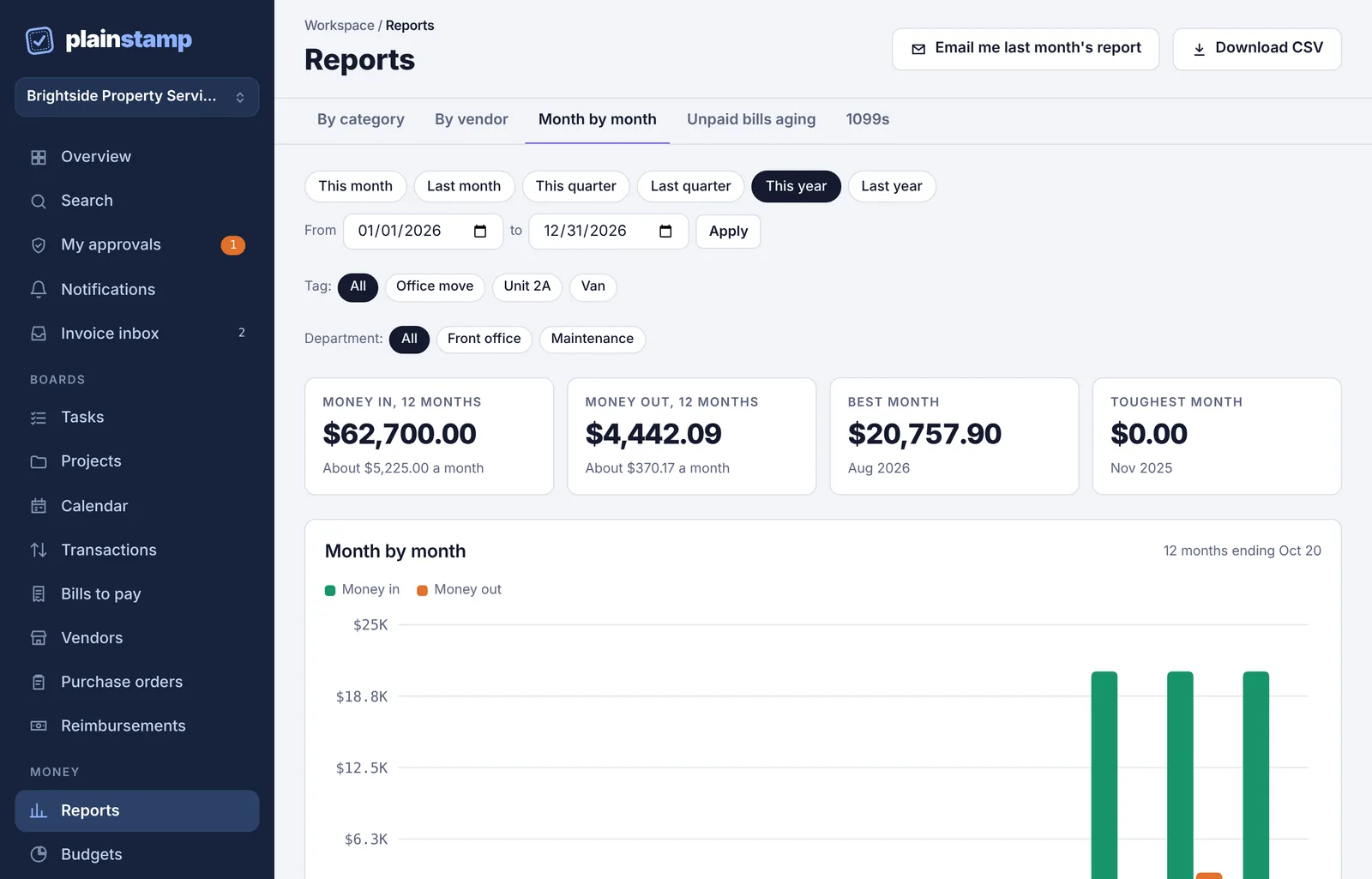
The pages under Money in the menu (Reports, Budgets, Cash forecast, Bank feed and Pay run) and the Connections page depend on two things: your role in the workspace and the workspace's plan.
Who sees what#
| Page | Owner | Admin | Accountant | Employee, Worker, View only |
|---|---|---|---|---|
| Reports | Yes | Yes | Yes | No |
| Budgets | See and change | See and change | See only | No |
| Cash forecast | See, and enter the balance | See, and enter the balance | See only | No |
| Bank feed | See and match | See and match | See only | No |
| Pay run | Yes | Yes | No | No |
| Connections | Yes | Yes | No | No |
| Settings > Checks and printing checks | Yes | Yes | No | No |
| Export button on Transactions and Bills to pay | Yes | Yes | Yes | No |
| Download everything | Yes | No | No | No |
If your role doesn't include a page, it isn't in your menu. If you open a link to Reports, Budgets or Cash forecast anyway, you see "This page is for owners, admins and accountants" and a Go to the overview button. Ask an owner or admin if you need something from it. (Owners and admins can change roles on the Team page.)

Which plan includes what#
| Feature | Starter | Small | Team | Business |
|---|---|---|---|---|
| Reports (by category, by vendor, month by month, unpaid bills aging) | Yes | Yes | Yes | Yes |
| Budgets | Yes | Yes | Yes | Yes |
| Downloading reports as spreadsheets | Yes | Yes | Yes | Yes |
| Download everything (owner) | Yes | Yes | Yes | Yes |
| 1099 tracking | Yes | Yes | Yes | |
| Cash forecast | Yes | Yes | Yes | |
| Pay runs | Yes | Yes | Yes | |
| Check printing | Yes | Yes | Yes | |
| QuickBooks and Xero sync | Yes | Yes | Yes | |
| Monthly report email | Yes | Yes | Yes | |
| Bank feed | Yes | Yes | ||
| Spreadsheet export of transactions and bills | Yes | Yes | ||
| Budgets and report filters by department | Yes |
When your plan doesn't include a feature, the page shows a short note instead, for example "Cash forecast comes with the Small plan and up." Owners and admins can upgrade from Plan & billing.
Common questions#
I'm an accountant and I can't change a budget or match a bank line. Accountants can see the money pages but not change them. An owner or admin can do it, or can make you an admin.
I'm an employee. How do I see how much we've spent? Ask an owner or admin to download a report for you, or to change your role.
A page I could see before now shows an upgrade note. The workspace may have moved to a different plan. Your data is still there and comes back when the plan includes the feature again.