The link says it has expired or was already used
Why confirmation, reset and invite links stop working, and how to get a fresh one.
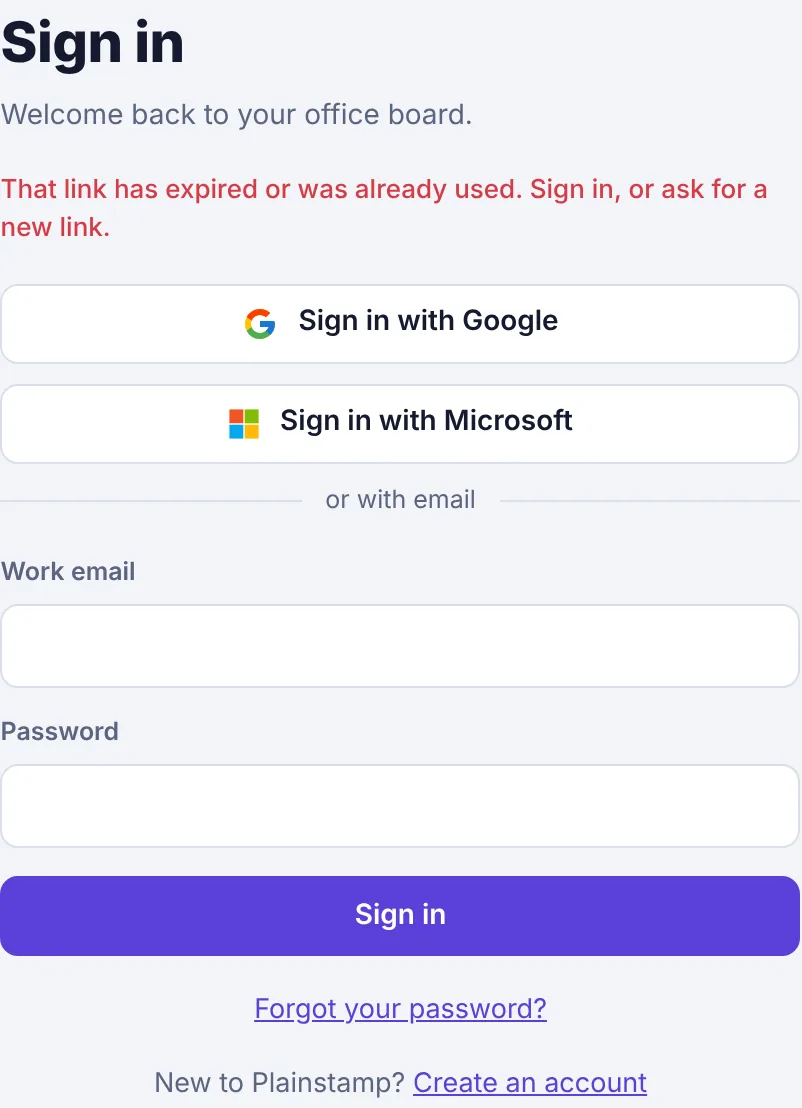
Links in Plainstamp emails are one-use and short-lived, so nobody else can use an old one. When a link has run out you'll see:
Password reset link#
A reset link works once and expires after an hour.
Click Forgot your password? on the sign-in page.
Type your email and click Send reset link.
Open the newest email and click Choose a new password straight away.
If you see "The reset link has expired. Ask for a new one." after typing your new password, start again from step 1.
Confirmation link#
Some email apps and company filters "click" links to check them for viruses, which uses up a one-use link before you get to it. Try signing in first: if your account is already confirmed, you'll go straight in. If it says "Confirm your email first", click Send it again under the message to get a fresh link, and open the newest email.
Link to confirm a new email address#
If you changed the email you sign in with and the link has expired, go to Settings, type the new address in Email you sign in with again and click Change email to get a new link. Until you confirm, keep signing in with your old address.
Invite link#
Invite links last 14 days and work once. If it says "This invite has expired. Ask for a new one." or "This invite has already been used.", ask the admin who invited you to create a new link. See The invite link doesn't work.