Find finished tasks on the Completed page
See who finished a task and when, search old tasks, and reopen one.
Every task you tick off goes to the Completed page. It's your record of what got done, by whom and when.
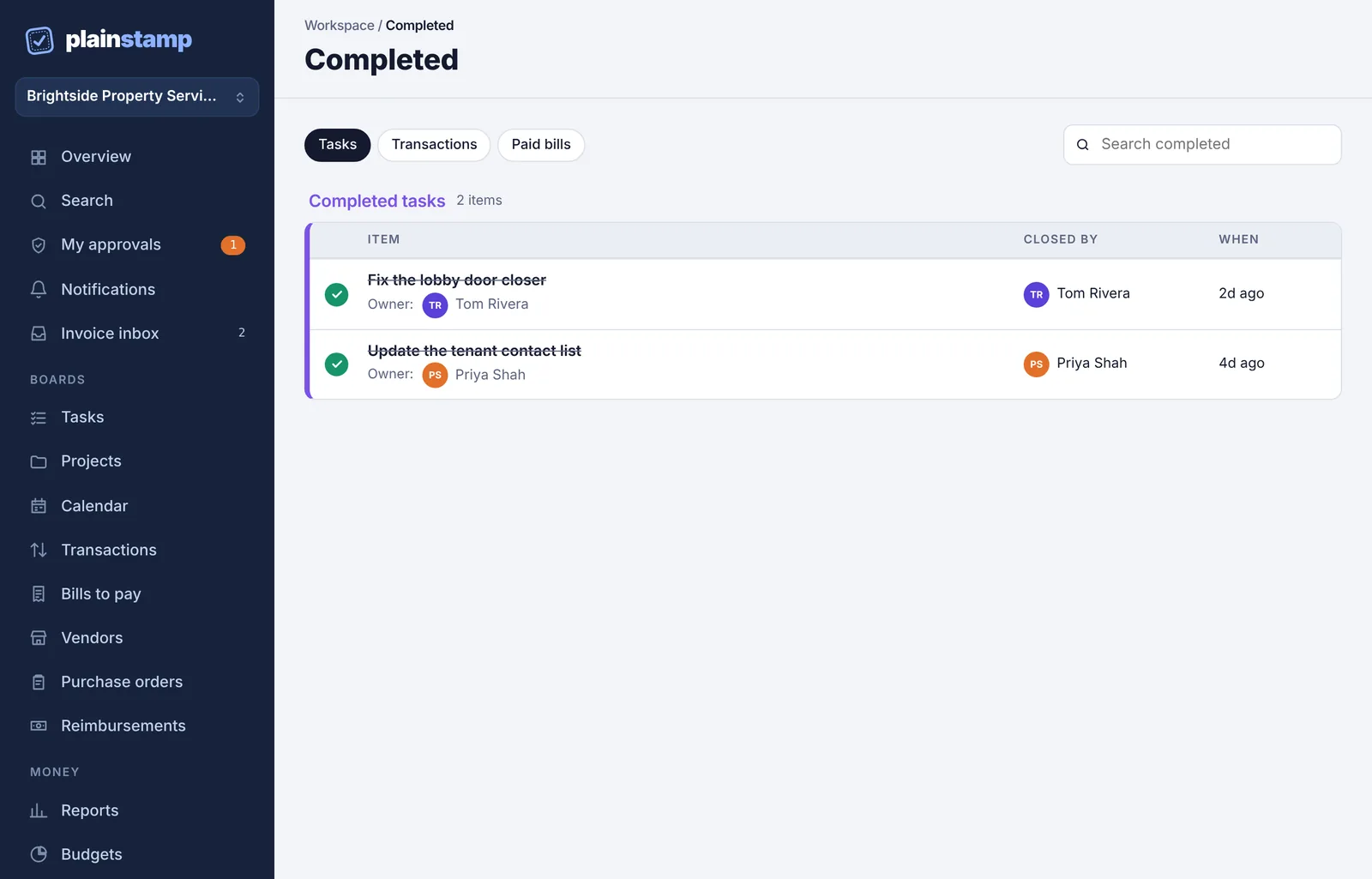
Open it#
In the menu, click Completed.
Click Tasks at the top. (Transactions and Paid bills show other finished items.)
Each row shows the task, its Owner, who closed it (Closed by) and When. The newest are first, up to the last 500.
Search finished tasks#
Type in Search completed to find a task by its name or details.
Reopen a task#
Click the green tick next to the task.
It goes back to the Tasks page as an open task.
Recently finished tasks on the board#
The Board view on the Tasks page also has a Done (last 2 weeks) column, so you can see this fortnight's finished work next to what's still open.