What workers see and do with tasks
How people with "assigned work only" access use My tasks, and what they can and can't change.
The Worker role ("assigned work only") is for people who just need their own jobs: cleaners, technicians, crews. They see their tasks and nothing about money, vendors or other people's work.
What a worker sees#
My work: their home page, with their open tasks by when they're due, their requests and how much they finished this week.
My tasks: only tasks assigned to them, plus tasks they asked for (including ones they asked for someone else).
Calendar: their own tasks only.
My requests, Notifications, Completed, Activity log and Settings.
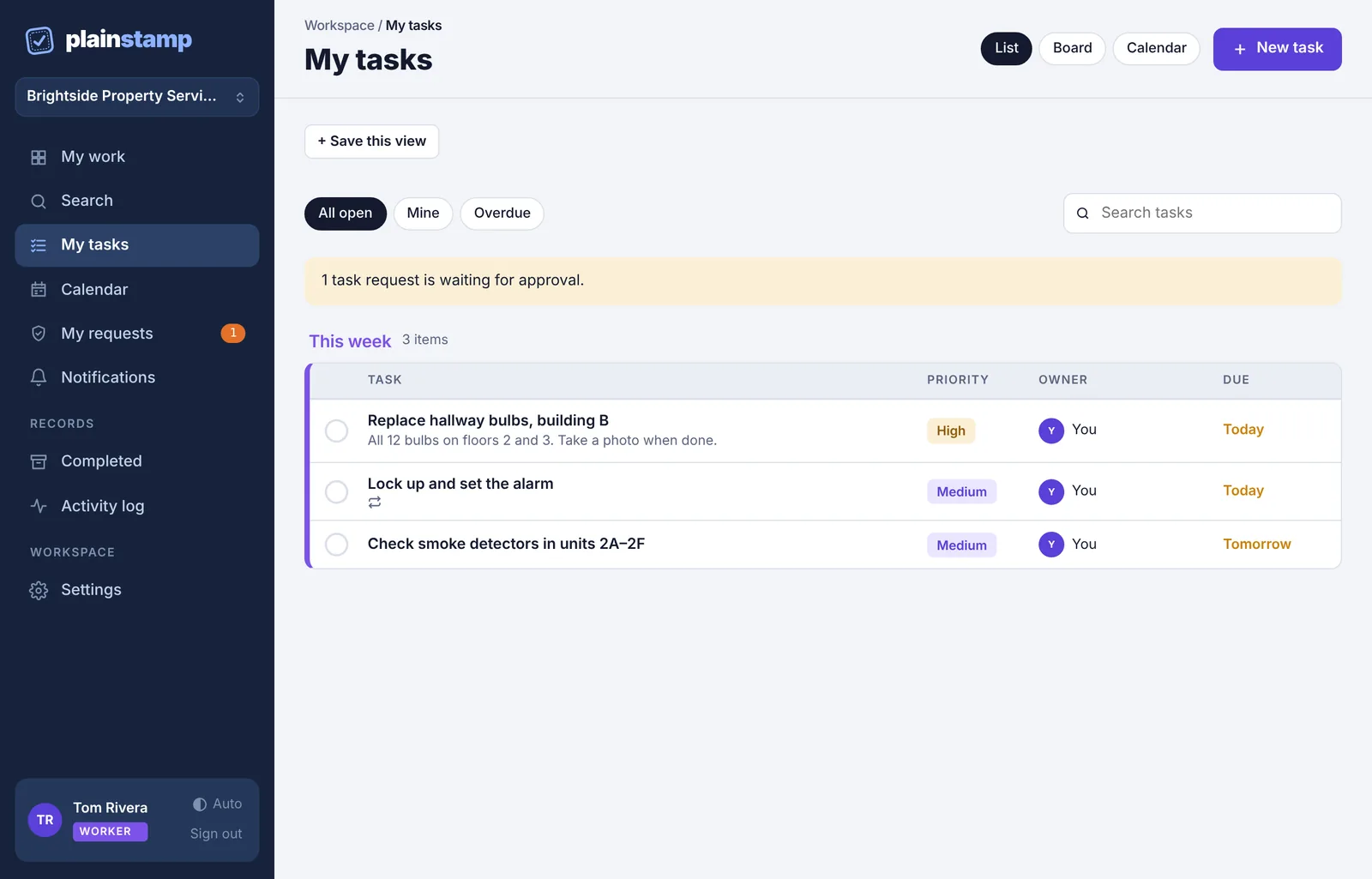
The filters on My tasks are All open, Mine and Overdue. Workers don't see projects, the person filter, task templates or a task's Department.
What a worker can do#
| Worker | |
|---|---|
| Tick off their own tasks, Start them, move them on the board | Yes |
| Reopen their own finished tasks (Undo, or the tick on the Completed page) | Yes |
| Done with photo and add photos or files to their tasks | Yes |
| Tick checklist steps | Yes |
| Comment and @mention | Yes |
| Add a task | Yes, but it always goes to an admin for approval |
| Edit a task (name, date, person, priority, repeat…) | No |
| Delete a task | No |
| Add checklist steps or change what a task waits on | No |
| Switch off "needs a photo" | No |
| Tick off or reopen a task assigned to someone else | No |
If a worker tries to change something they can't, they'll see "Ask an admin to change this task. You can work on it, tick it off and comment."
Finishing jobs from a phone#
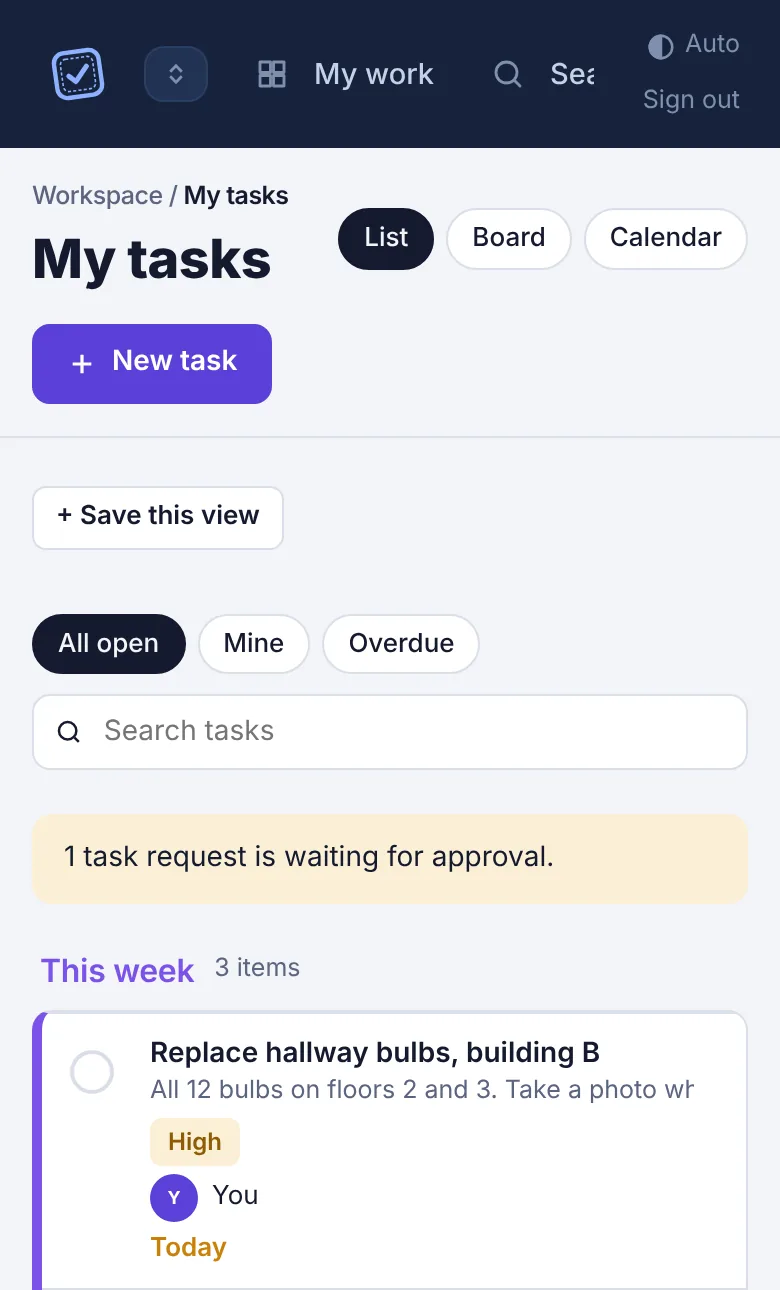
Most workers use Plainstamp on their phone:
Open My tasks.
Tap a task to open it.
Tap Done with photo if it needs a picture, or Mark done.
Asking for a task#
Workers can add a task with New task, for themselves or for someone else. It goes to an admin as a request and only appears on the board once it's approved. See Send a task for approval.
Employee or worker?#
| Employee | Worker | |
|---|---|---|
| Sees | All tasks (except private projects they're not on), plus money boards | Only their own tasks |
| Adds tasks | For approval | For approval |
| Edits approved tasks | Yes | No |
| Bills, transactions, vendors | Yes | No |
To change someone's role, see Roles: who can do what.