Change or reset your password
Change your password from Settings, reset it if you've forgotten it, or add a password if you sign in with Google or Microsoft.
You can change your password at any time from Settings. If you've forgotten it, reset it from the sign-in page.
Change your password#
In the menu on the left, click Settings, then the Sign-in & security tab.
Under Change your password, type your Current password.
Type your new password in New password and again in New password again. Use at least 8 characters.
Click Change password.

The Change your password form
You see "Password changed. Use the new one next time you sign in." You stay signed in on this device.
If it doesn't work#
| Message | What it means |
|---|---|
| "Your current password isn't right." | Check the current password and try again. |
| "The two new passwords don't match." | Type the same new password in both boxes. |
| "Too many wrong tries. Wait 15 minutes, or use Forgot password on the sign-in page." | After 5 wrong tries in 15 minutes, changing is paused for a while. |
| "Enter your two-step code first (sign out and back in)." | Sign out, sign in again with your two-step code, then try again. |
Forgot your password?#
On the sign-in page, click Forgot your password?
Type your Work email and click Send reset link.
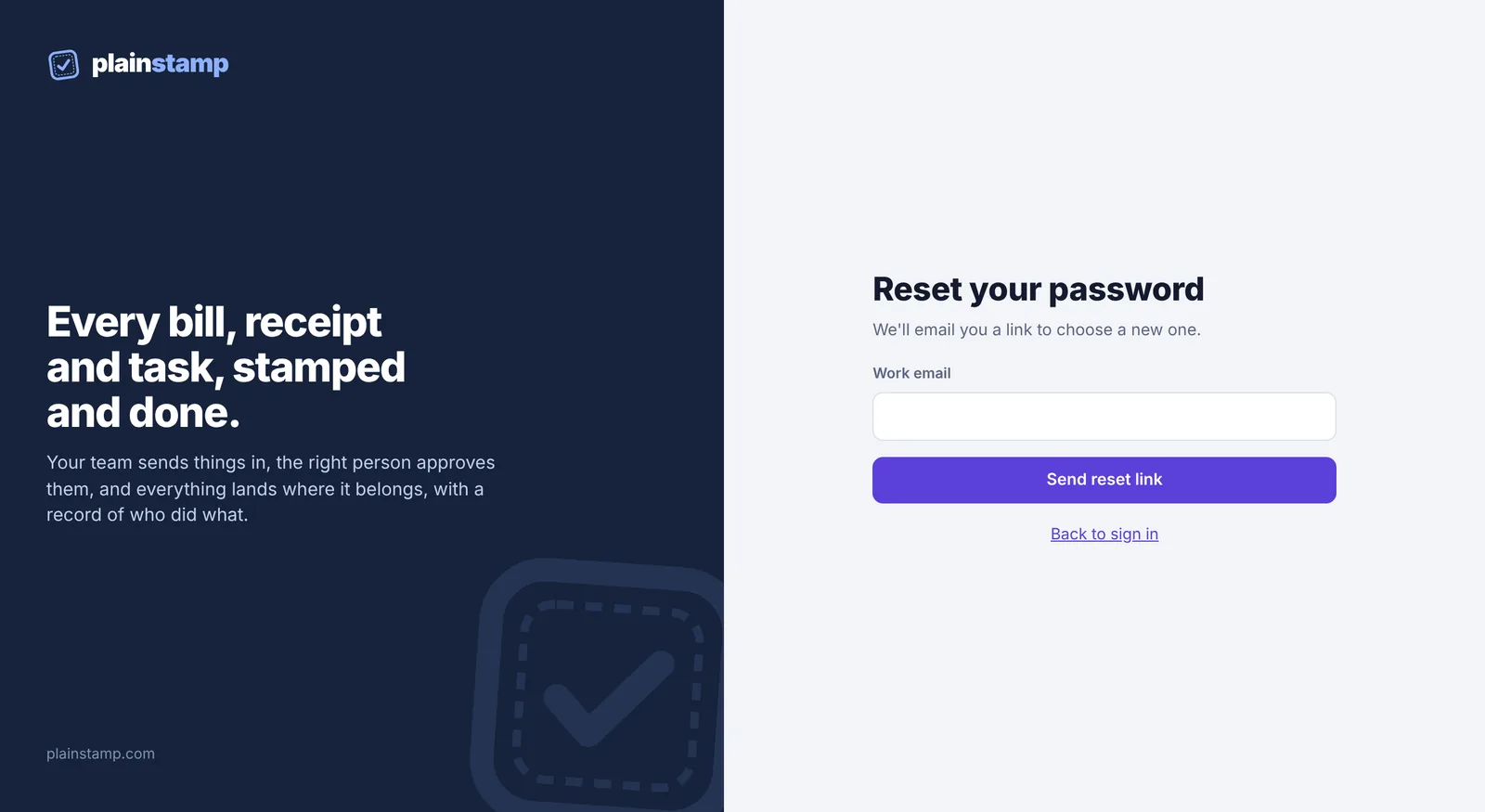
The Reset your password page You see "If (your email) has an account, a reset link is on its way." Open the email and click the link.
On Choose a new password, type a new password (at least 8 characters) and click Save password.
You're signed in when you save it. If you use two-step sign-in, you're asked for your code first.
If the link says it has expired, go back to step 1 and ask for a new one. Can't find the email? Check your spam or junk folder.
Sign in with Google or Microsoft?#
If you signed up with Google or Microsoft, you don't have a Plainstamp password. The same panel says Add a password instead. Type a new password twice and click Add password. After that, you can sign in either way: with Google or Microsoft, or with your email and the new password.
You can see how you sign in under How you sign in at the top of the Sign-in & security tab.