Download your data, and your privacy
Download everything in your workspace as one zip file, the other ways to get your data out, and how Plainstamp handles your information.
Everything your office puts in Plainstamp belongs to you. The workspace owner can download all of it in one zip file at any time, on any plan.
Download everything#
In the menu on the left, click Settings. You're on the General tab.
Scroll to Your data.
Click Download everything, or Spreadsheets only (faster) if you don't need the attached files.
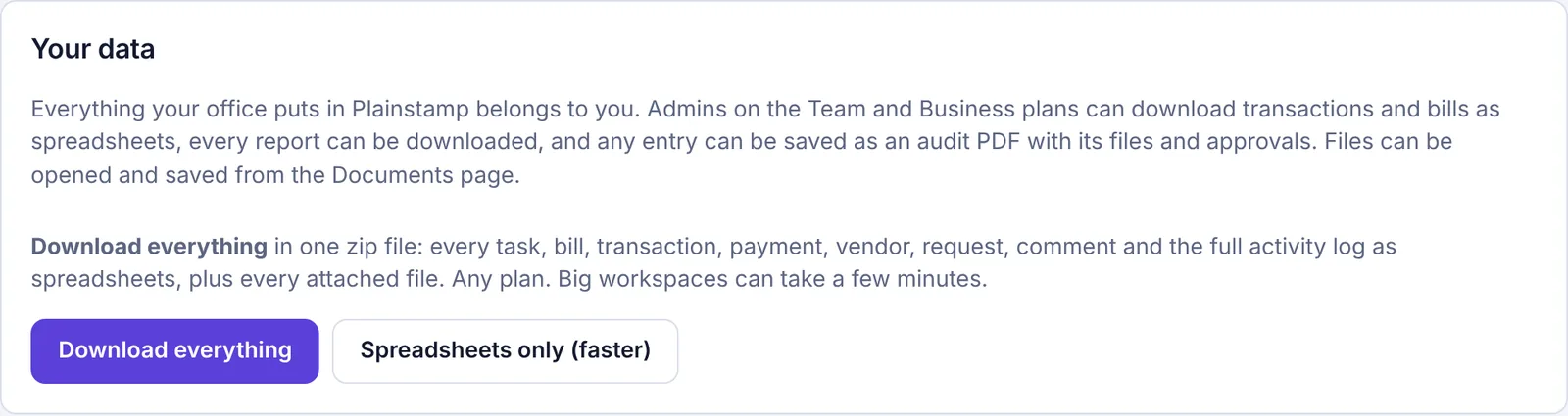
The Your data panel with the Download everything buttons Your browser downloads a zip file named after your workspace and today's date. Big workspaces can take a few minutes, so keep the page open until it finishes.
What's in the zip file#
A spreadsheet (CSV file, which opens in Excel, Google Sheets or Numbers) for each kind of record: tasks, checklists, projects, bills, bill payments, transactions, vendors, purchase orders, budgets, departments, requests and approvals, comments, custom fields, people and the full activity log.
A list of every attached file.
With Download everything, every attached file itself: receipts, invoices, photos and documents.
A short README file explaining what's inside.
Other ways to get data out#
You don't have to be the owner for these:
Spreadsheet export of transactions and bills (the Export button on Transactions and Bills), for owners, admins and accountants on the Team and Business plans.
Reports can each be downloaded from the Reports page.
Audit PDF: any entry can be saved as a PDF with its files and approvals.
Files can be opened and saved one by one from the Documents page.
Your privacy#
Plainstamp keeps your name, email address and sign-in details, and what you and your team put into your workspace.
Card details are handled by Stripe. Plainstamp never sees or stores your full card number.
Plainstamp doesn't sell your information or use advertising trackers.
Only people in your workspace can see its contents, and each person only sees what their role allows. See Roles: who can do what.
For the full details, read the privacy policy.