Stop Plainstamp's news emails
Turn off the tips, new features and offers emails from Plainstamp, from Settings or with the Unsubscribe link.
Besides emails about your workspace, Plainstamp sometimes sends news: tips, new features and the occasional offer, about once a week, from marketing@plainstamp.com. You can stop these any time.
Owners and admins get news emails unless they turn them off. Other roles only get them if they turn them on.
Turn news emails off (or on) in Settings#
In the menu on the left, click Settings.
Click the Notifications tab.
Under News from Plainstamp, turn Tips, new features and offers off. You see "You won't get news emails."

The Tips, new features and offers switch
To get them again, turn the same switch back on. You see "You're on the list."
Unsubscribe from an email#
Every news email has an Unsubscribe link at the bottom. You don't need to sign in.
Click Unsubscribe in the email.
A page opens showing your email address. Click Unsubscribe.
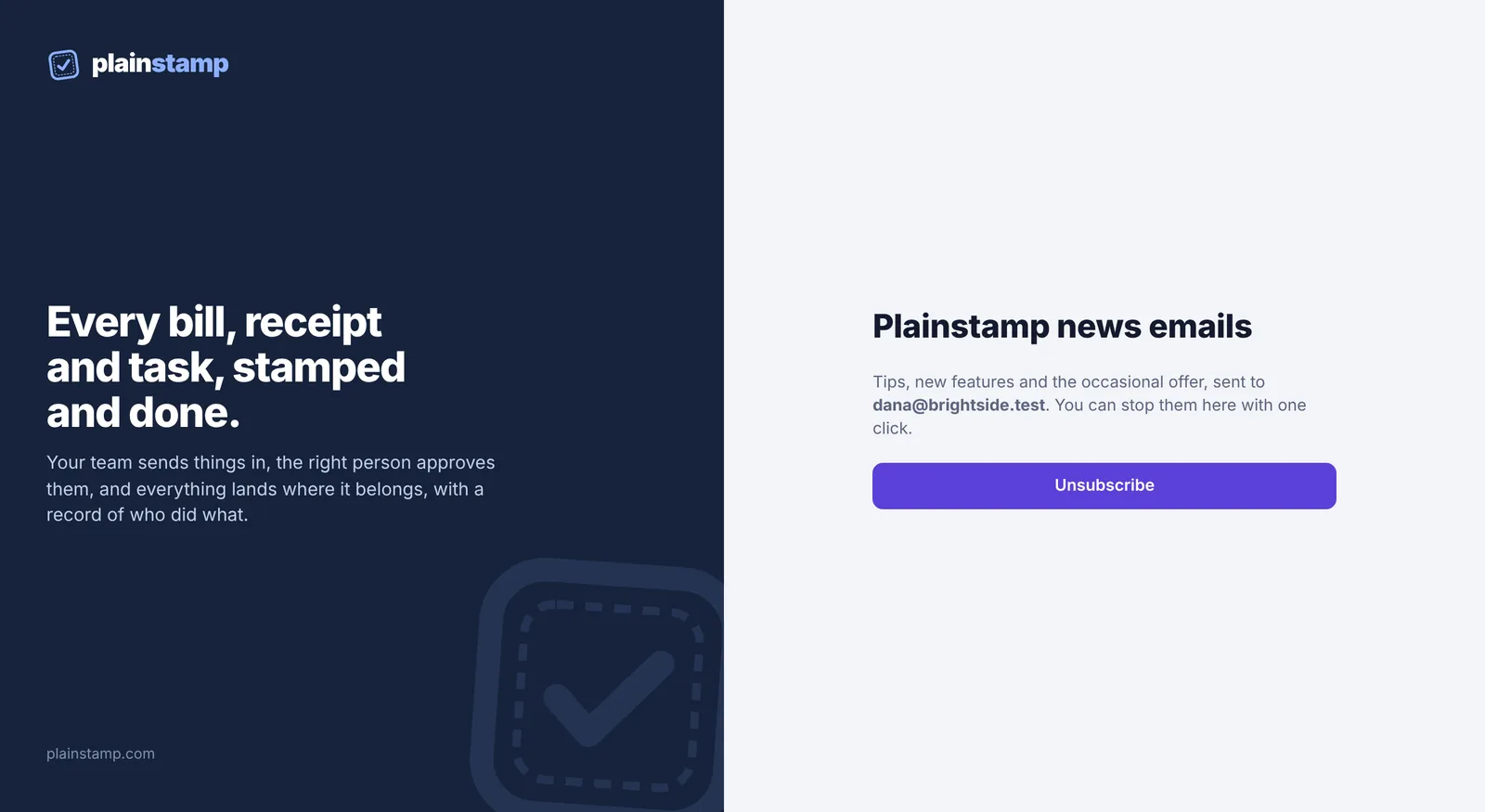
The page that opens from the Unsubscribe link The page now says "You're unsubscribed."
Changed your mind? On the same page, click Subscribe again.
The link says "Link not found"#
Old links can stop working. Reply to any of our emails with "unsubscribe", or email support@plainstamp.com, and we'll take you off the list. You can also use the switch in Settings (above).