Switch between light and dark mode
Choose Light, Dark or Auto (match your device) for how Plainstamp looks.
Plainstamp comes in a light look and a dark look. By default it's on Auto, which follows your phone or computer's own setting.
Change it#
At the bottom of the menu on the left, next to your name, find the theme button. It shows the current choice: Auto, Light or Dark.
Click it to move to the next one: Auto → Light → Dark → back to Auto.
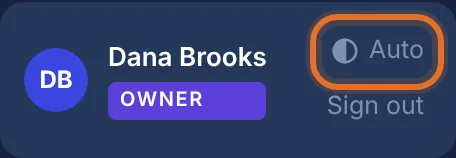
The theme button next to your name, set to Auto
The change happens straight away.
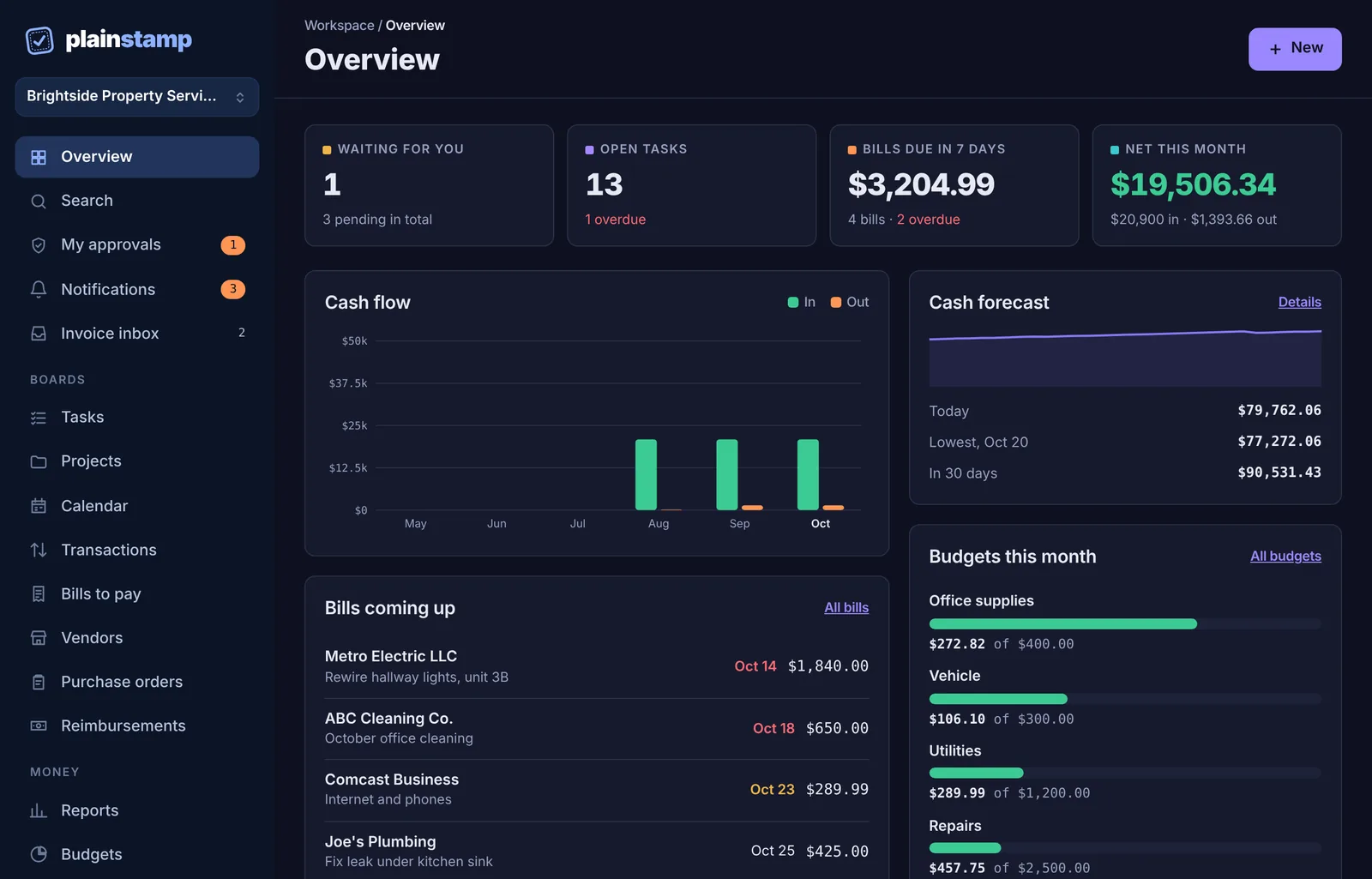
On a phone, the theme button is at the right-hand end of the bar across the top, above Sign out.
Good to know#
Auto switches between light and dark along with your device, for example dark in the evening if your phone does that.
Your choice is remembered on this device and browser only. Set it on each phone or computer you use.
If you clear your browser's data or use a private window, Plainstamp goes back to Auto.