Update your card and get invoices
Change the card you pay with, download invoices and receipts, and update your billing details.
Your card, invoices and receipts are kept by Stripe, the payment company Plainstamp uses. You reach them from the Plan & billing page.
Open your billing page#
In the menu on the left, click Plan & billing.
Click Cards, invoices and cancelling, at the top right of the plans.
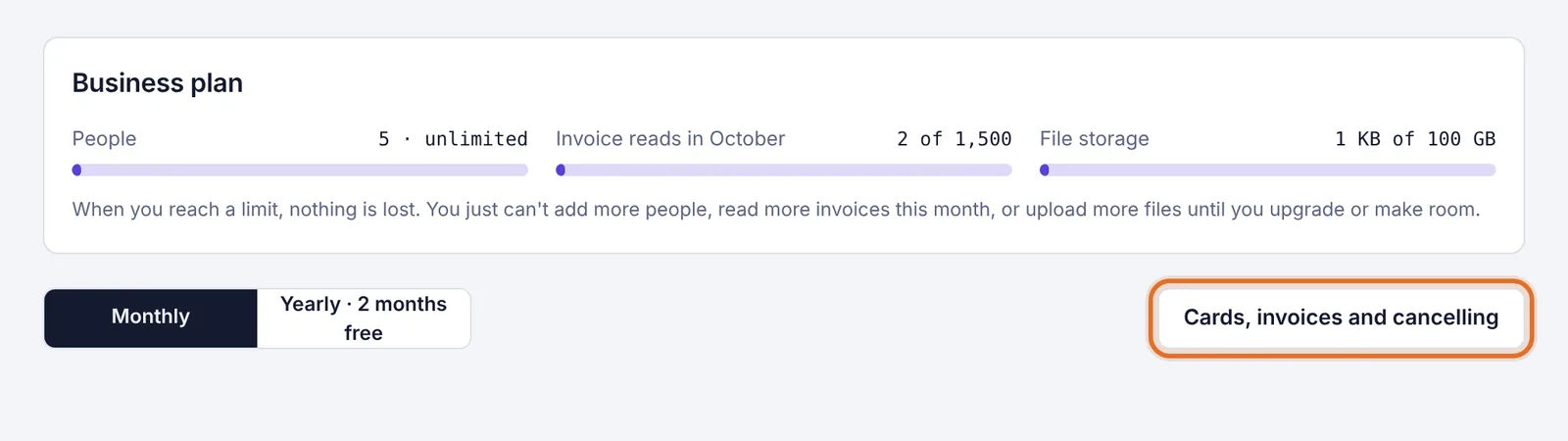
The Cards, invoices and cancelling button Stripe's billing page opens for your workspace. When you're done, use the link on that page to go back to Plainstamp.
Change your card#
Open your billing page (above).
Add the new card, and make it the default.
You can remove the old card if you no longer want it on file.
If a payment failed, Stripe tries the new card on the next attempt. If the workspace was paused for an unpaid invoice, paying it lifts the pause right away. See Your payment didn't go through, or your workspace is paused.
Download invoices and receipts#
Open your billing page (above).
Under your invoice history, click an invoice.
Download the invoice or the receipt as a PDF.
Update your billing details#
Stripe's page also lets you update the billing details that print on your invoices, such as the name and address. If you can't find what you need to change there, email support@plainstamp.com.
Your plan and renewal date#
The top of the Plan & billing page shows your plan, whether you're billed monthly or yearly, and the date it renews.